ASGARD Analysis Cockpit v4 Manual Logo

Contents

  • 1. Requirements
  • 2. Setup Guide
    • 2.1. Create a New ESX VM and Mount the ISO
    • 2.2. Navigate through the Installer
    • 2.3. Network Configuration
    • 2.4. Choosing a password
    • 2.5. Partitioning of the Hard Disk
    • 2.6. Proxy Configuration
    • 2.7. Changing the IP-Address
    • 2.8. Install the ASGARD Analysis Cockpit Service
  • 3. Administration
  • 4. Basic Concepts
  • 5. Baselining
  • 6. Case Management Best Practices
  • 7. Maintenance
  • 8. Troubleshooting
  • 9. Known Issues
  • 10. Upgrade from Cockpit v3.10.4 to Cockpit v4.x
  • 11. Glossary
  • 12. Changelog
ASGARD Analysis Cockpit v4 Manual
  • 2. Setup Guide
  • 2.2. Navigate through the Installer
Previous Next

2.2. Navigate through the Installer

Start the installation confirming the only available option in the boot loader screen.

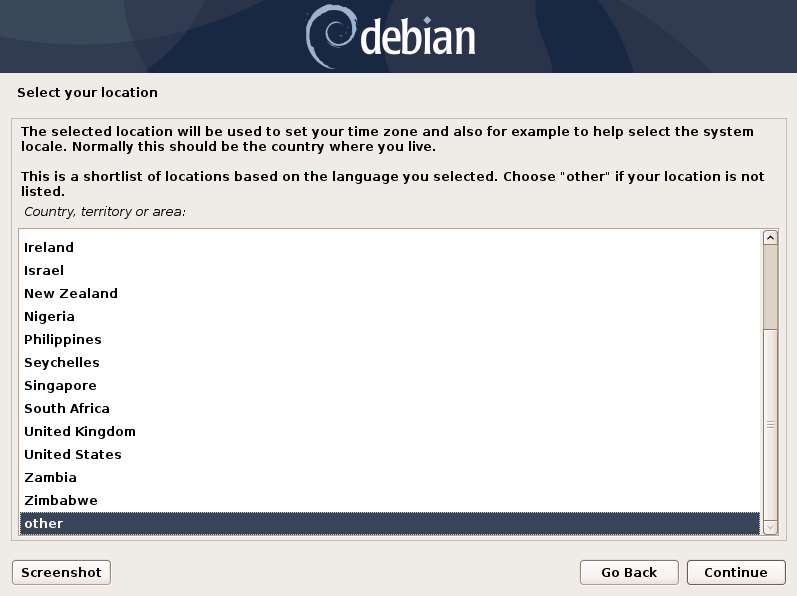
The installer then loads the additional components from the ISO image and lets you select a location and language.
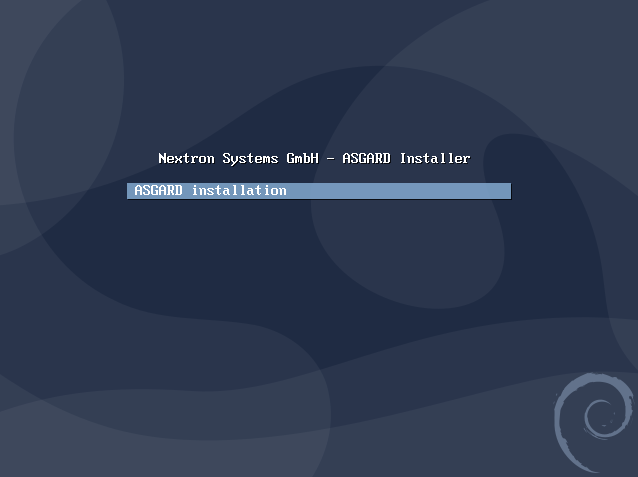
Starting the installation
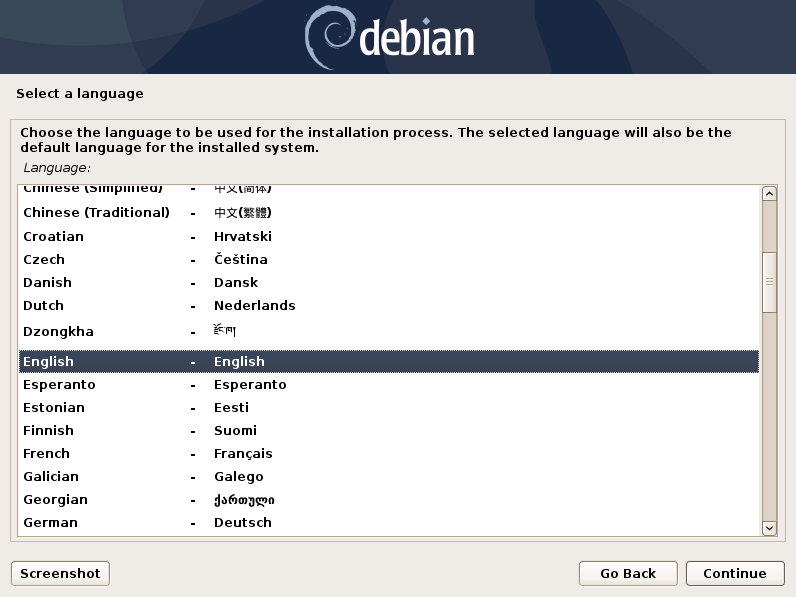
Starting the installation

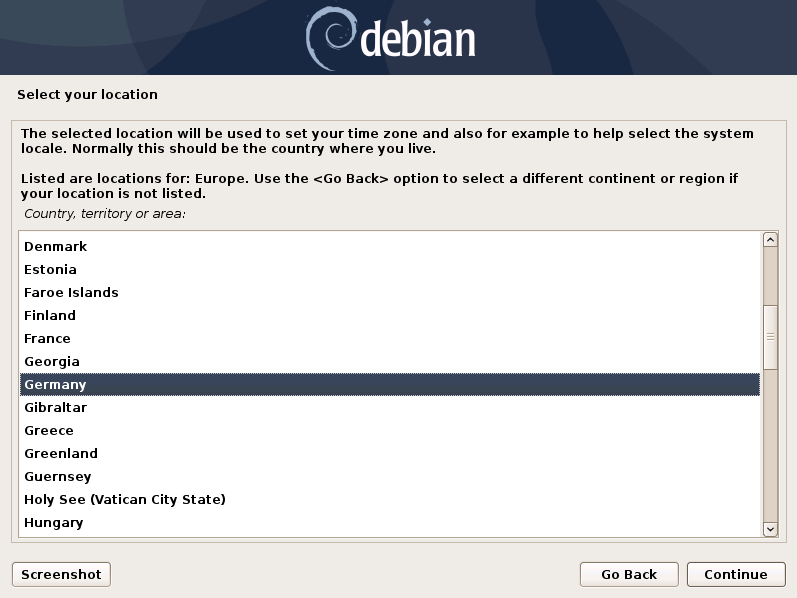
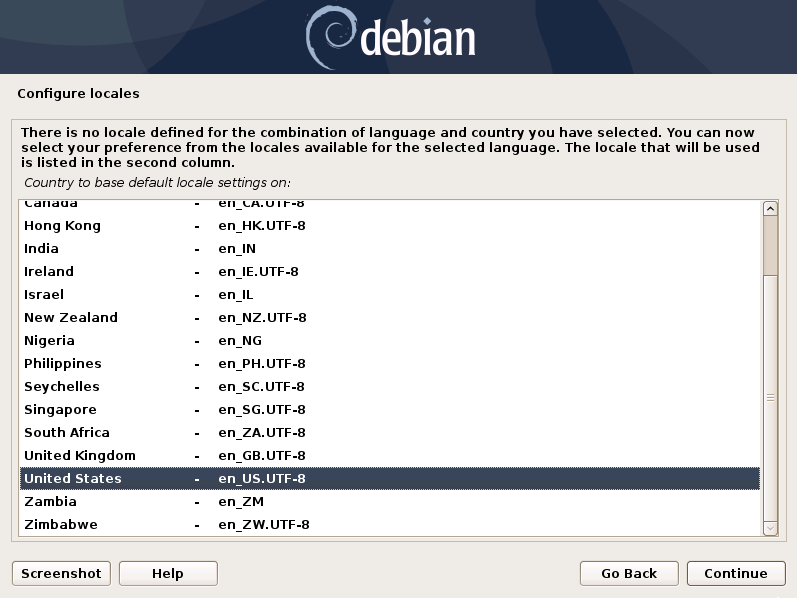
Choosing language, location and locales I
Choosing language, location and locales II
Choosing language, location and locales III
Choosing language, location and locales IV

Choosing language, location and locales

Note

If DHCP is available, network parameters will be configured automatically. Without DHCP, ASGARD proceeds with the manual network configuration dialogue.

Previous Next

© Copyright 2026, Nextron Systems GmbH.

Built with Sphinx using a theme provided by Read the Docs.